Transform every new tab into a beautiful, personalized workspace with live video wallpapers, glassmorphism widgets, and categorized app shortcuts.
 New Tab — NovaTab
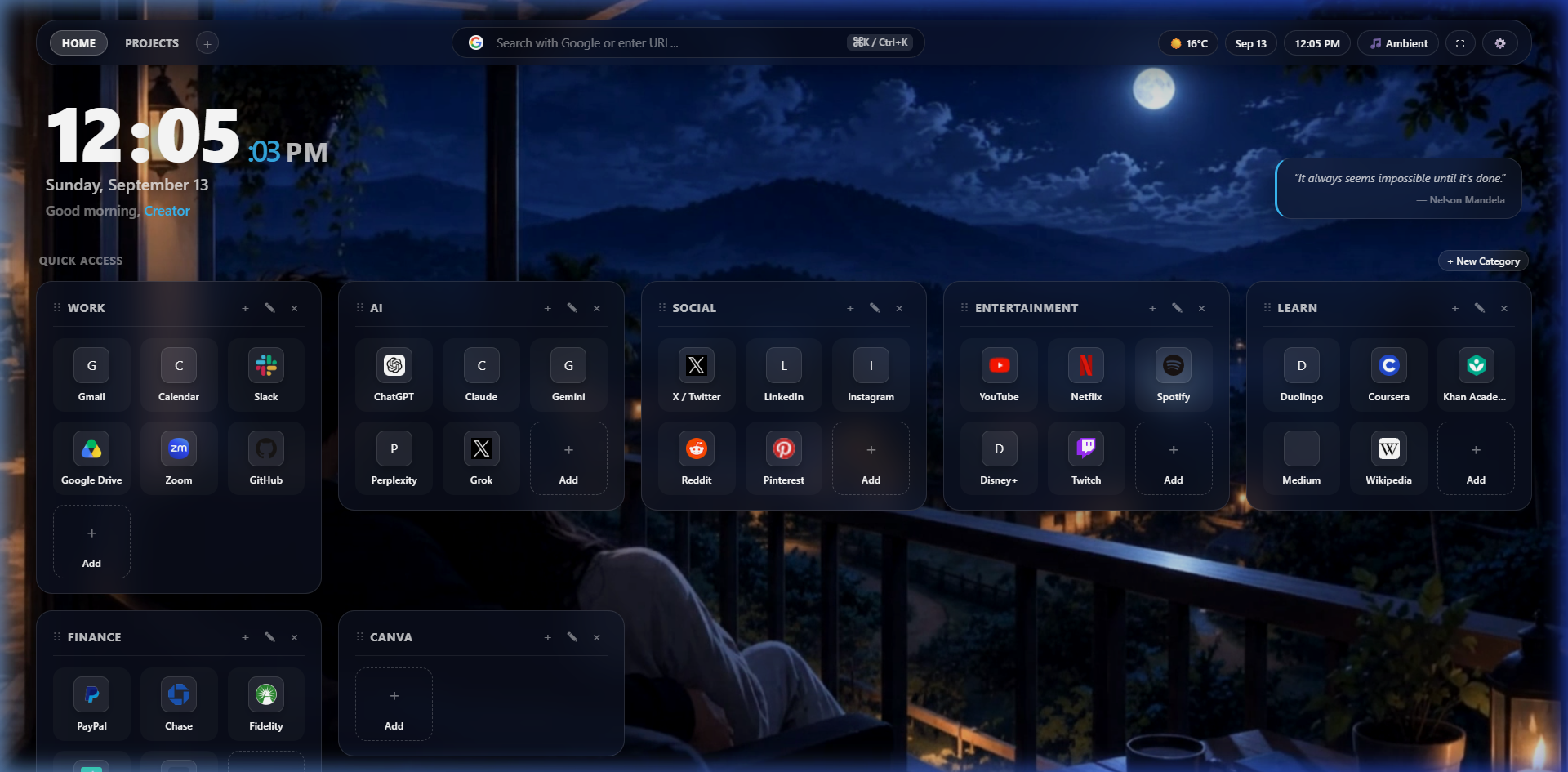
Use your own images or MP4/WebM videos as beautiful full-screen wallpapers.
Upload any local MP4 or WebM video. It loops smoothly in the background, plays muted, and fills your screen with breathtaking motion.
NovaTab automatically pauses video playback the moment you switch tabs or minimize your browser, saving CPU, GPU, and laptop battery.
Tailor brightness, blur, darkness overlay, saturation, contrast, and playback speed in real time to guarantee perfect text contrast.
Videos and high-res photos are saved safely in your browser's IndexedDB. Zero external uploads, zero storage limits, and zero tracking.
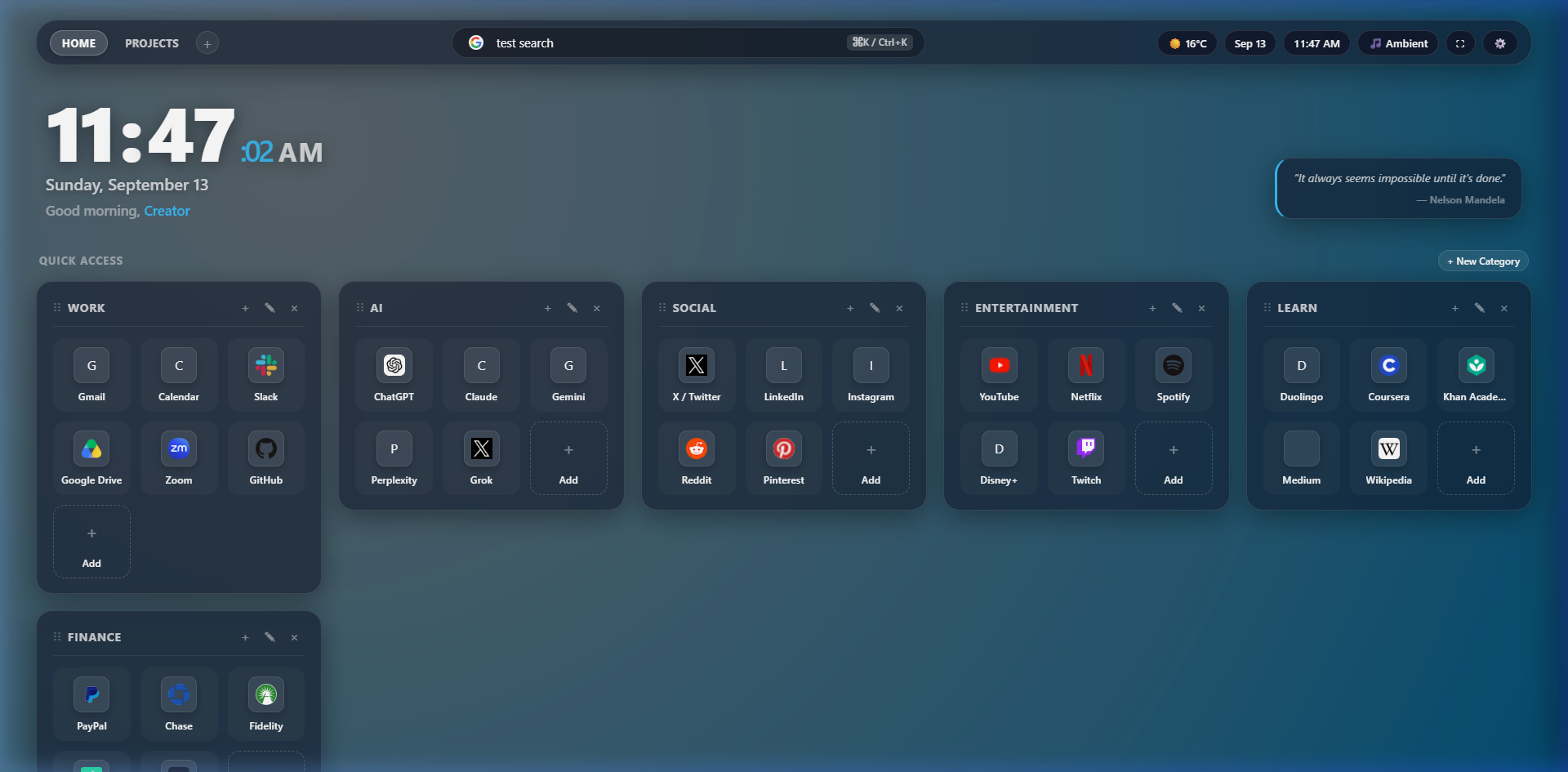
NovaTab combines aesthetics, modular productivity widgets, and effortless bookmark organization into one lightweight extension.
Use beautiful images and videos as your new-tab background. Supports MP4/WebM uploads, curated 4K presets, and automatic slideshow rotation.
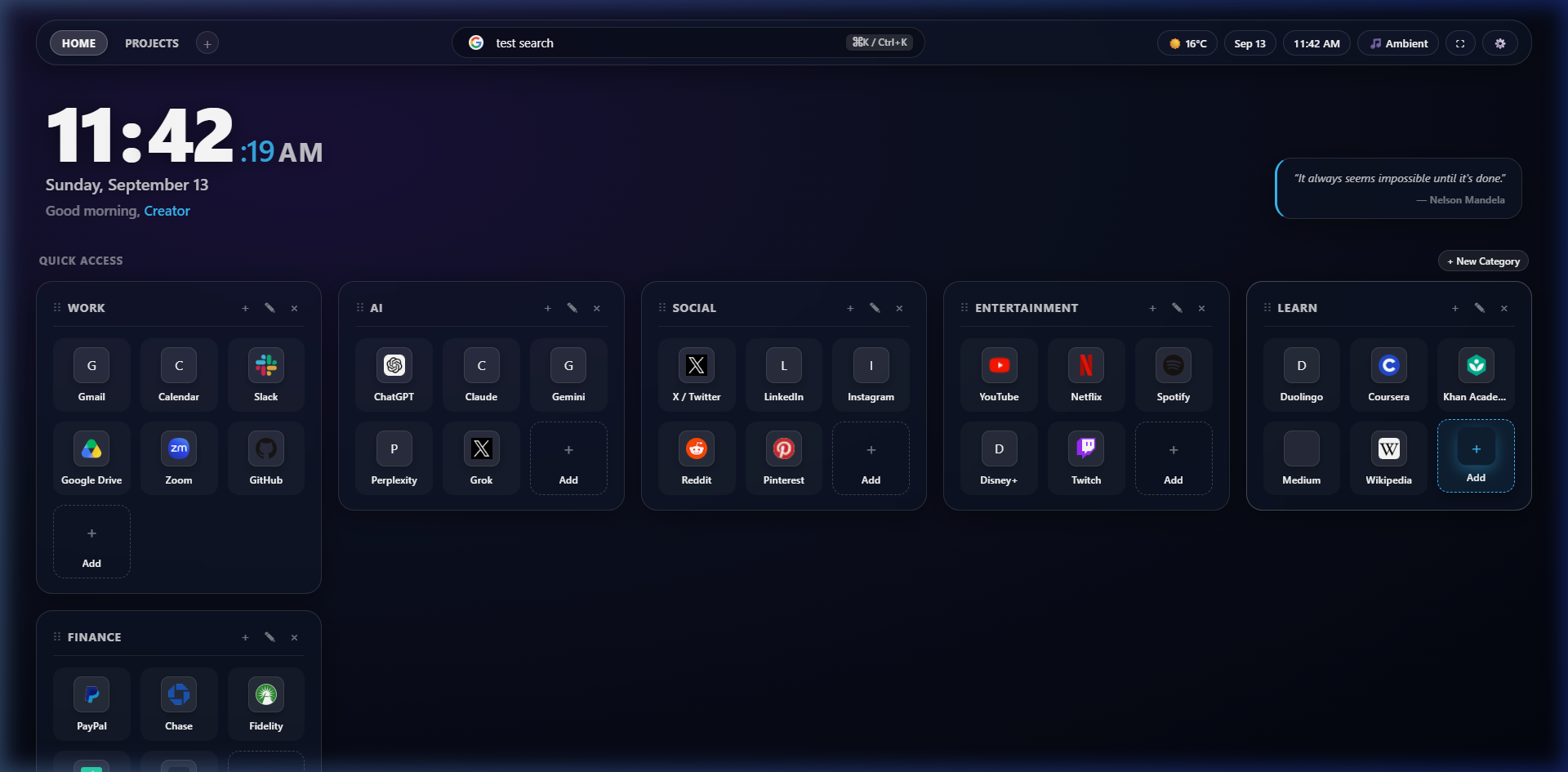
Organize your favorite websites into categories (WORK, AI, SOCIAL, ENTERTAINMENT, LEARN, FINANCE) with automatic high-res favicons and smooth drag-and-drop reordering.
Digital clock with seconds toggle, live Open-Meteo weather, interactive calendar with local events, Pomodoro timer with pleasant audio bells, quick notes, and to-do checklist.
Change themes (Dark Glass, Light Glass, Forest, Midnight, Sunset, Ocean), custom accent colors, toggle individual widgets, and backup your entire setup to JSON with 1 click.
A modern translucent interface designed around your wallpaper. Frosted glass panels, subtle border glows, smooth animations, and high readability over any background.
No account required. Core data stays locally on your device. Zero telemetry, zero external database tracking, and offline operation for all core features.
See how NovaTab turns an empty browser tab into a command center for your day.
Choose your browser and install NovaTab in seconds.


Because this is a private, direct distribution package, you install it cleanly via your browser's Developer Mode.
NovaTab is designed from the ground up as a privacy-first workspace. It runs completely inside your browser without needing external accounts, tracking beacons, or database synchronization.
Everything you need to know about NovaTab.
Yes, NovaTab is 100% free and open-source. There are no subscriptions, paywalls, or hidden charges.
NovaTab supports Google Chrome, Microsoft Edge, Brave, Opera, Vivaldi, and Mozilla Firefox. It is built according to standard WebExtensions specifications using Manifest V3.
Yes! You can upload custom images (JPG, PNG, WebP) or specify any remote image URL. Your images are saved safely in your browser's IndexedDB.
Yes! NovaTab supports MP4 and WebM video wallpapers with full-screen hardware-accelerated playback. It automatically pauses when the tab is hidden to conserve system battery.
No account is required. NovaTab works immediately after installation with zero sign-ins or personal information needed.
All your preferences, custom shortcuts, notes, and task lists are stored locally in your browser's localStorage, while high-resolution media is kept in IndexedDB.
Yes, at any time. Simply open your browser's extensions management page (e.g. chrome://extensions) and click "Remove". Your browser will immediately restore its default new-tab page.
Yes. All core functionality—including clock, calendar, Pomodoro timer, notes, to-do list, ambient procedural sound, shortcuts, and custom wallpapers—works 100% offline.
Because modern Chromium browsers require extensions not downloaded from the Chrome Web Store to be loaded via the standard "Load unpacked" developer feature for security. It only takes 15 seconds to set up.